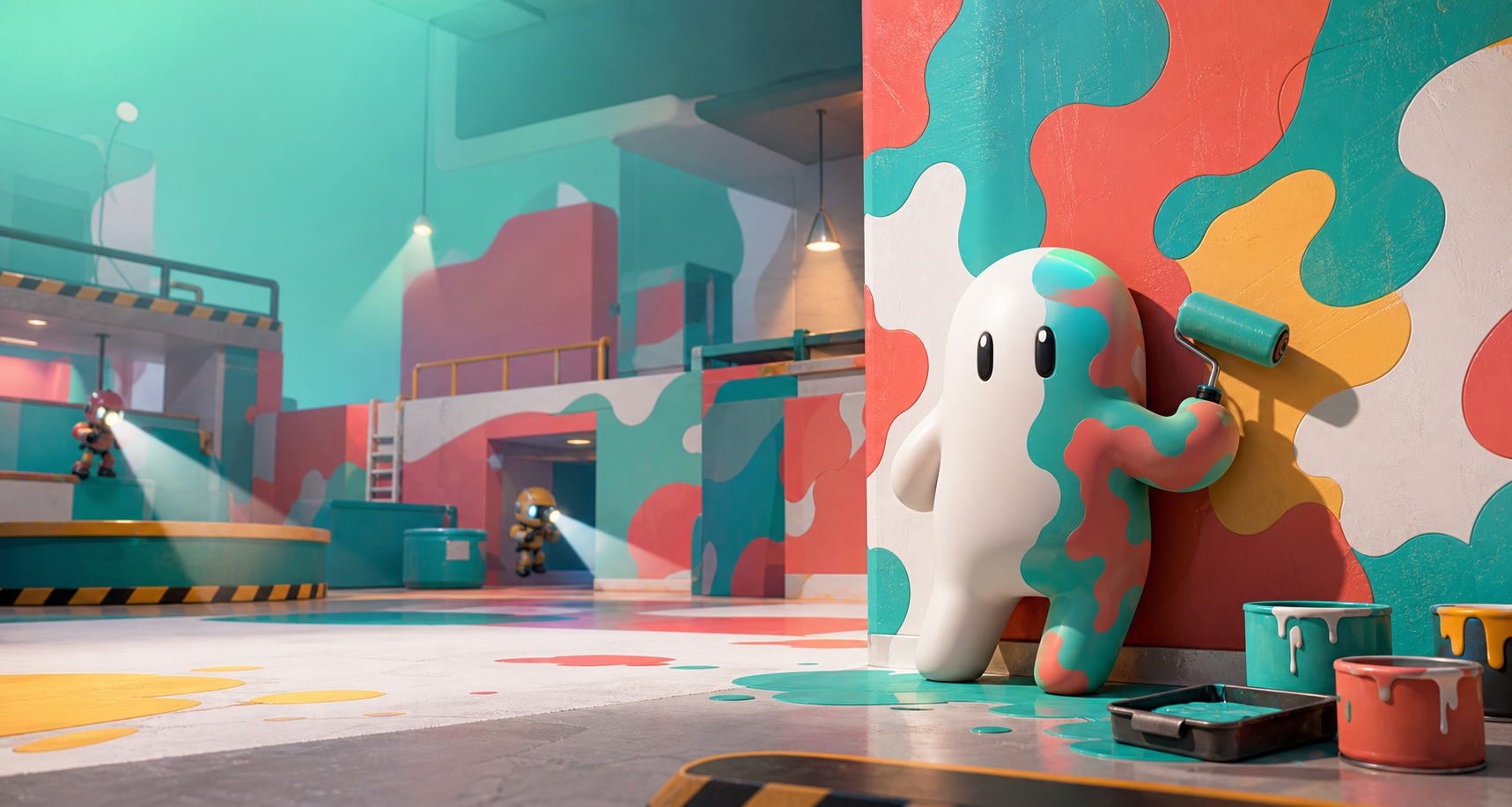
Choose the spot before the color.
The official pitch calls spot, pose, and artistic skill the keys to survival. Pick the surface first so every paint decision belongs to the place you will actually hide.
Source-checked fan guide
A fast unofficial guide to the viral Steam hide-and-seek game from lemorion_1224. Hiders paint their white bodies to mimic the stage; Seekers win by finding everyone before time runs out.
Official loop
Steam describes MECCHA CHAMELEON as a simple team hide-and-seek game: Hiders disguise themselves with paint and poses, while Seekers try to find everyone before the timer ends.
Every player starts as a plain white figure. Hiders use the prep window to choose a spot, paint their body to match the stage, and pose as believable scenery. Seekers then scan the map and tag the visual lies.
The official pitch calls spot, pose, and artistic skill the keys to survival. Pick the surface first so every paint decision belongs to the place you will actually hide.
Use the paint tools to reduce contrast against the exact wall, prop, or trim you are touching. A close match inside visual clutter beats a perfect shade standing alone.
The disguise fails when your outline reads as a body. Choose a pose that looks like a pipe, sign edge, cushion, shadow, stripe, or other shape already present in the room.
The store page supports public matches and streaming, with 2-10 players recommended depending on host network conditions. Non-private servers can be joined freely.
PC keybinds
These are current default keyboard-and-mouse bindings from the control guides checked on June 29, 2026. If the HUD or Settings screen differs after a patch, trust the game.
| Action | Default input | Why it matters |
|---|---|---|
| Move and look | WASD + mouse | There is no dedicated sprint key in the basic loop, so routing and early spot selection are your speed tools. |
| Wall-stick height | Space up, Ctrl down | Use small vertical adjustments to line up with trim, props, floor marks, or low scenery. |
| Release wall-stick | Shift | Practice bailing out cleanly when a chosen surface is too exposed or the paint job is not working. |
| Paint mode | F | Open paint after choosing the hiding angle; painting in the open wastes the prep timer. |
| Pose menu | R | Pose turns a colored body into a believable piece of scenery. |
| Paint / tag | Left Mouse | Applies paint as Hider and tags targets as Seeker. |
| Eyedropper | Space in paint mode | Sample the exact surface you are touching, then adjust the result to match lighting and material. |
| Useful toggles | 123TEsc | Taunt, nameplates, see-through drawing view, chat, and Settings/rebinds are worth checking before public rooms. |
Paint lab
Current paint guides frame camouflage as a combined read of color, pose, placement, and surface. Use paint to reduce suspicion, then use shape and angle to finish the trick.
Do not paint from memory or from a similar wall across the room. Sample the surface you will touch, because light and material shift the color more than new players expect.
If your body is too bright, too glossy, or too saturated, the hue will still read wrong. Tune the paint until it shares the wall's light level and surface feel.
Seekers catch people-shaped outlines faster than tiny color errors. Use pose and placement to become part of a stripe, sign edge, stain, corner, or repeated prop shape.
Rotate the camera and step back before locking in. A paint job that looks convincing up close can fail instantly from the doorway or from a higher scan line.
Live facts
These notes come from the Steam store page and official Steam announcements checked on June 29, 2026. Review them again after major patches.
The store page lists MECCHA CHAMELEON as a Casual game with Online PvP, Steam Workshop, Steam Cloud, Family Sharing, and 12 supported languages.
An official Steam News post announced that the game had reached 10 million sales. Earlier official posts also marked rapid map and content updates.
The official page welcomes gameplay videos and streams, asks creators to include the game name in the title, and suggests adding the Steam URL in the description.